The Strategy behind How to Generate Seasonal Furniture Campaign Visuals on Demand
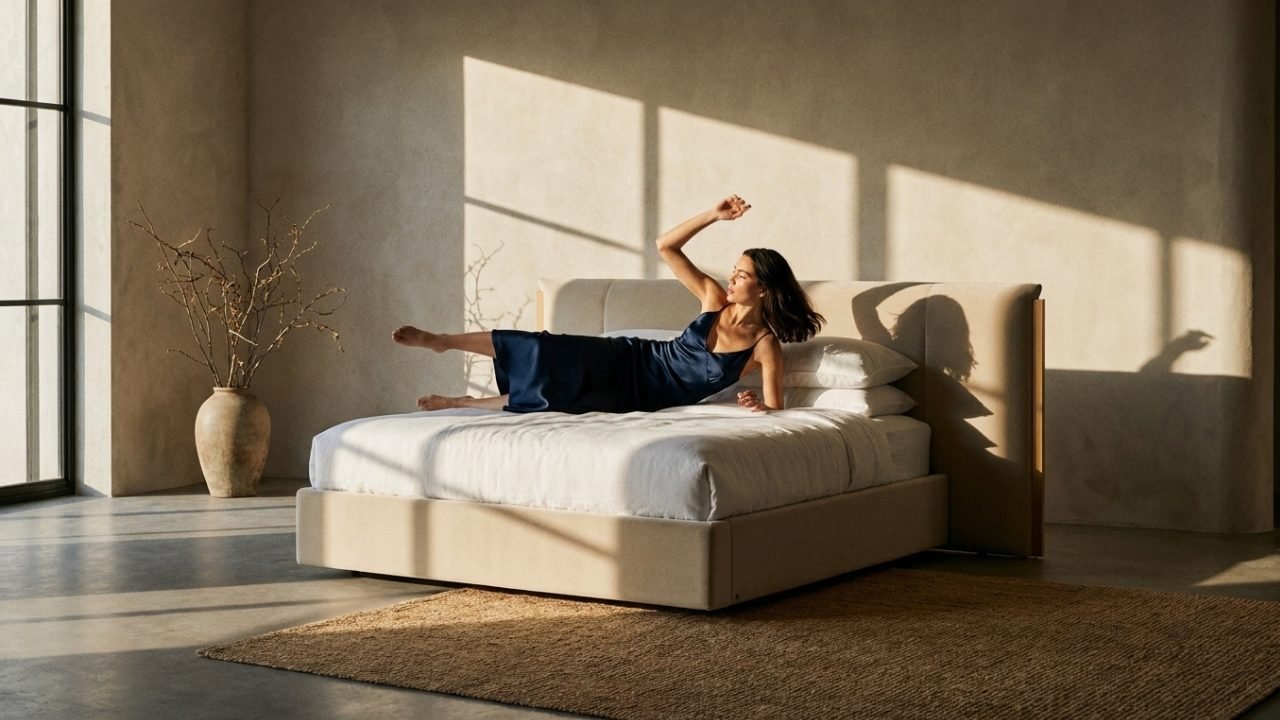
Planning fresh seasonal shoots is a logistical nightmare. 3D rendering makes updating your visuals simple. By tweaking the lighting, changing wall paint colors, and swapping background decor, you can transform a master scene from a bright summer loft into a cozy winter space.
The Staged styling Overhead: Planning Four Shoots a Year
Organizing separate physical photoshoots for spring, summer, fall, and winter promotions requires constant staging labor, new props, and rental fees. Most marketing budgets cannot sustain this year-round cost.
Swapping Digital Props: Modifying Room sets dynamically
We use virtual room templates to easily adapt your campaigns. We swap sunbeams for warm interior lighting, update background decor, and change color palettes inside your existing 3D sets, delivering seasonal images on demand.
Staging Holiday Decor & Fall Lighting in Virtual Rooms
We access the master 3D room scenes containing your furniture. We apply seasonal lighting, swap accent props (like holiday pillows or autumn blankets), and render updated visuals for your upcoming campaign.
Daffy Tip: Aligning these visual systems with your store's PIM or CSV mapping accelerates catalog deployment times by over 80%.
Seasonal campaign Conversion Benchmarks
- Convert summer room sets into cozy winter spaces inside the digital editor.
- Avoid the high cost of constructing new physical sets for campaigns.
- Generate seasonal marketing assets quickly to hit holiday shopping peaks.
- Easily update backdrop colors and props to match current trends.
Want to see what one SKU can become?
Send a product link, reference image, CAD file, or material note. We’ll map the right visual system: PDP images, lifestyle renders, variants, short videos, or launch assets.
Get a Visual Audit